Have you ever wondered why your jobs in Commerce run at the exact time they run and not at some other random hour? Maybe you never thought about it, but there's a reason behind it.
First thing: if you’ve got like 10 jobs running—imports, exports, file transfers, all that stuff—don’t set them all to run at the same time. That’s mistake number one. If you do that, you're gonna crush your instance’s performance. It just won’t go well.
Second thing: resources. Let’s say one job is reading customer data while another one is modifying that same data. That’s a mess waiting to happen. Data conflicts, weird behaviors, things failing. You don’t want that.
So what can we do? Two things: one, play with the schedule. Set jobs at diff hours so they don’t step on each other. Two, and this one’s gold, in the job settings you’ve got a tab called “resources.” If you’ve never used it, you’re missing out. You can lock specific resources during job execution. That way nothing else touches that resource while your job’s doing its thing. Super useful. But we’ll talk more about that another day.
Now, why do we set jobs to run at 1 a.m., or 2 a.m., or only on Mondays, or every 30 mins? Simple: it depends on what the job does. If it’s loading your store’s pricebooks, maybe once a day is enough. But not always. If you're in a business like gold trading, where prices change a bunch of times per day, then you'll need to run that price update job multiple times a day. It’s all about what your biz needs.
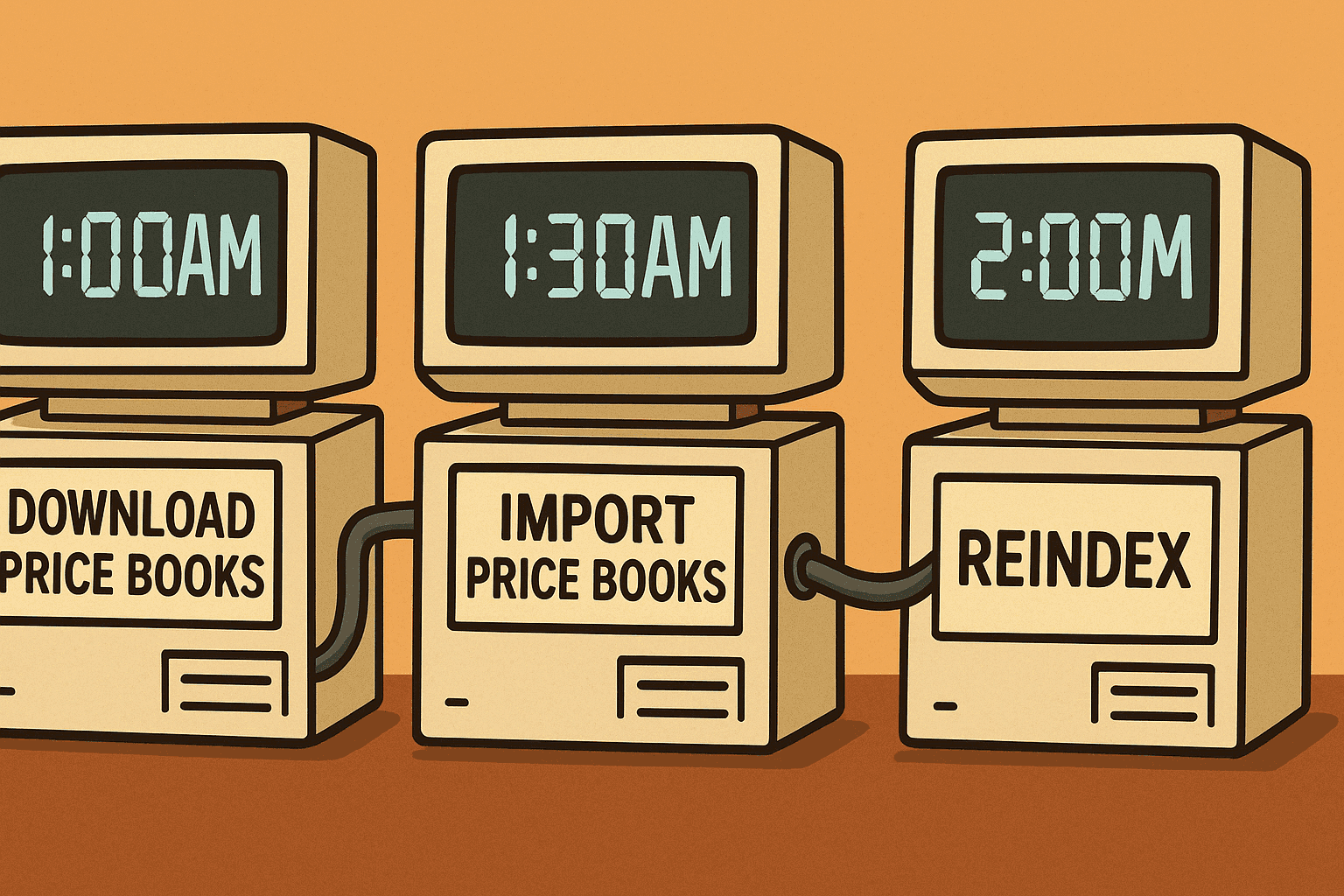
And another thing that decides when a job should run is its dependencies. Maybe you’re importing pricebooks, but those files are generated by another system. That system might start running at 1 a.m. and take 30 minutes to finish. So your job should never start before 1:30, right? Or else the files won’t be ready. That’s super important—knowing what other systems feed data into your Salesforce setup and how long they take.
Wanna hear a quick story? We ran into a problem recently with product images. There were four steps:
Step 1: a PIM tool copies the images to an SFTP.
Step 2: a Commerce job downloads those images and moves them to IMPEX.
Step 3: an external system builds a catalog XML from those images in IMPEX.
Step 4: another Commerce job imports that XML to Commerce.
Sounds good, right? But the problem was the third step (the catalog generation) ran before the images had even been moved into IMPEX. So that XML never had the latest images. We’d always be one day behind. Why? Just because the jobs weren’t scheduled in the right order. Just the timing.
So yeah. Job timing matters. A lot.