Hey, today I wanna tell you about a hack that honestly saved our asses during the go-live of our Salesforce Commerce Cloud B2C site. We used it to keep an eye on all the integrations we’ve got in our system. And trust me, we’ve got a bunch.
So lemme break it down for you. First I’ll explain the use case, then I’ll walk you through what we did, and finally I’ll drop a good tip you def should keep in mind.
So here’s the deal. Our e-commerce site has like 10 to 15 integrations with all kinds of systems. I won’t bore you with all the details, but yeah, those integrations use the regular Commerce Cloud service framework. They make requests to external APIs using GET, POST, PUT or whatever, with specific bodies, headers and all that, and then they return responses.
Now, here’s where the problem comes in. Right before going live, we noticed that some of these integrations were acting up. Some of them returned no data, or weird/inconsistent info, even a few 500 errors. And we had no clue what was causing it. Keep in mind we had a lot of users, all sending requests with diff params, so the errors could pop up in a million diff ways.
So how did we fix it?
Well, that’s where Log Center came in handy. You probably know you can create custom log traces. But remember: debug logs don’t show up in production. Like, nada. So if you wrote debug logs, you won’t see 'em once you go live.
What we did was use info logs instead.
We created custom logs for each integration. Gave each one a category name so we can easily filter them in Log Center. Then, we set them as info logs. In Business Manager (in our prod environment), we enabled these info logs based on those categories.
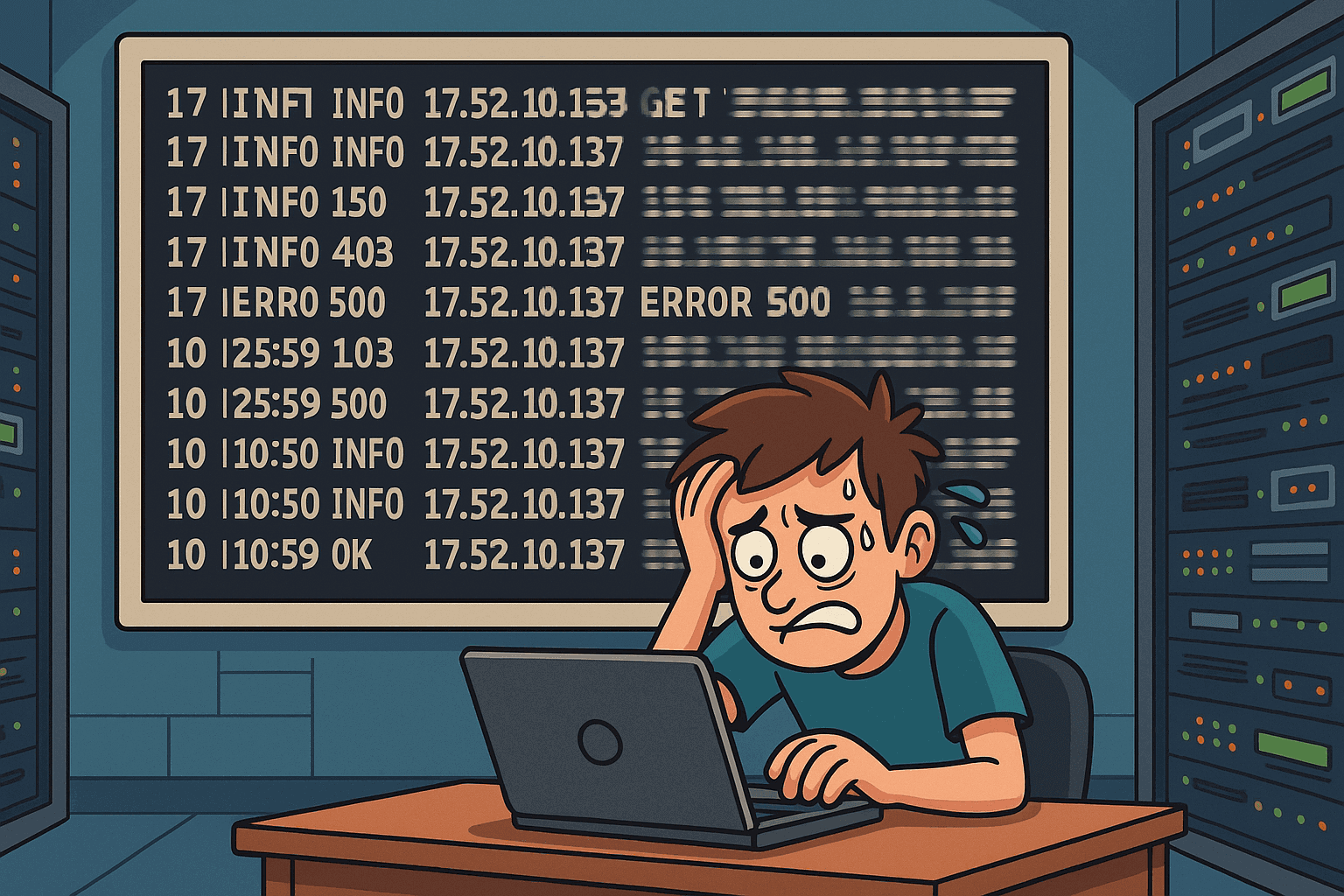
And what do these logs show? Everything. The requests, the responses, the parameters we’re sending in every call. So now we can actually see what request, with what params, to which API, using what method, is messing up.
That’s how we were able to fix stuff fast. Like "oh, look, we’re sending a null value in that param and that’s why we’re getting a 500 error." Boom, problem solved.
That’s the magic of info logs. You get full visibility.
But here’s the thing: once everything is stable, turn these logs off. Don’t keep them on forever. Ideally, in 1-2 weeks max you’ll have fixed all integration issues. Then go back to Business Manager and disable the info logs.
Why? 'Cause these logs can contain sensitive data. Like, yeah, we’re logging full requests and responses, so maybe some personal info or tokens slip through. Super useful for debugging but also risky if you leave it on too long.
So yeah, hope that helped. Catch you later.